The ultimate guide to finding the Miro training content you need
Miro has tons of training content to help you master our innovation workspace. But knowing which resources you need depends on what you’re trying to achieve. That’s why we made you a quick guide.
We’ve grouped Miro’s training content by popular use cases so you can focus on the exact skillset you’d like to master — whether you’re interested in diagramming, product design, research synthesis, or something else.
You’ll notice that we’ve also grouped everything by content format, making it easier for you to choose your preferred approach to Miro training — including videos from our YouTube channel, our Miro Academy courses, our very own templates, guides from our Help Center, and more
Let’s take a look!
Technical diagramming training in Miro
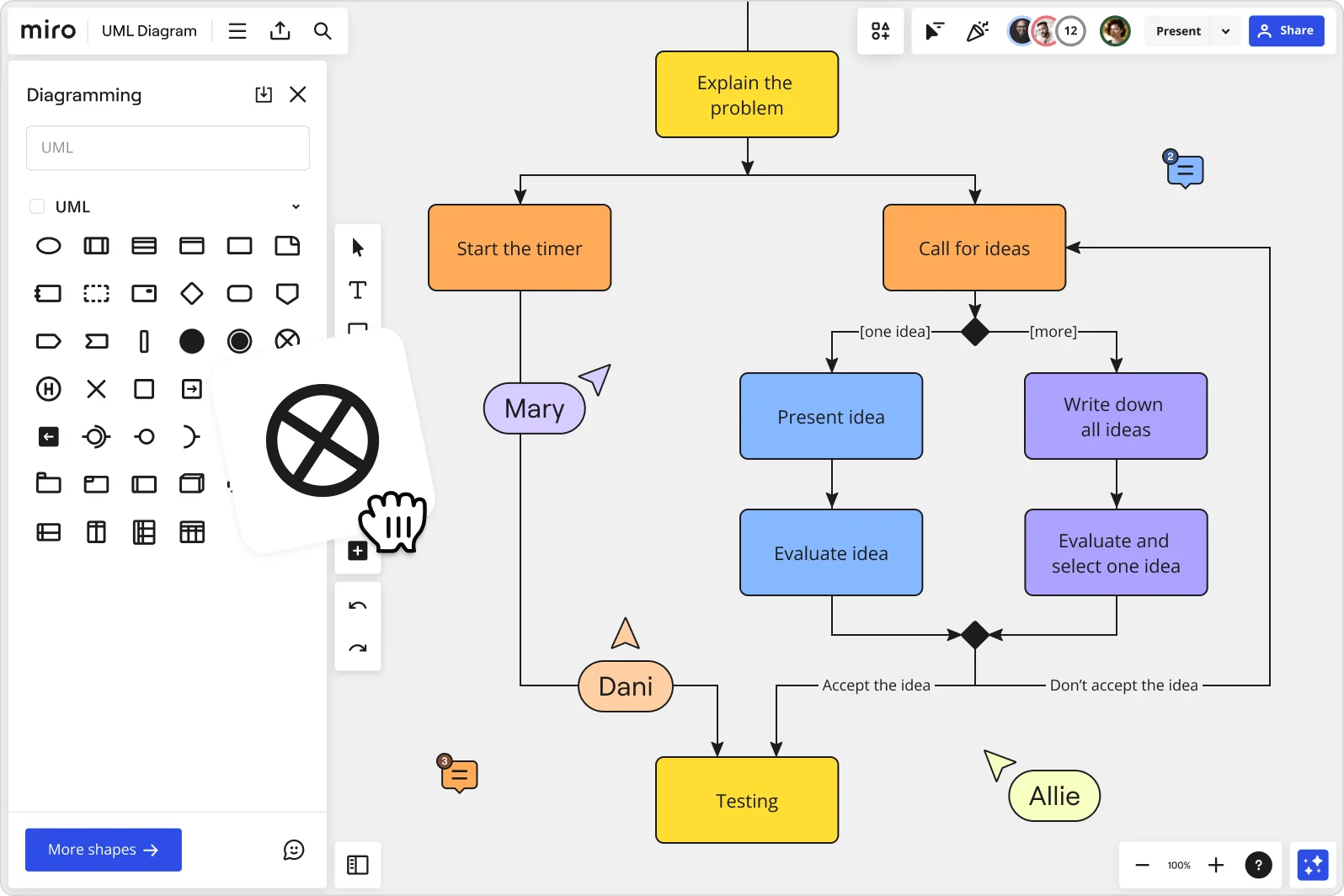
Miro comes with plenty of powerful and intuitive tools for creating detailed and visually appealing technical diagrams, ranging from data flow diagrams to AWS architecture diagrams. To make the most of them, let’s take a look at some of Miro’s training content on technical diagramming:
Templates
While it’s easy to build your own technical diagram in Miro, you can also save time by using one of our many diagramming templates. Here are a few popular ones to get started with:
- AWS Architecture Diagram Template
- Google Cloud Architecture Diagram Template
- Kubernetes Diagram Template
- Data Flow Diagram Template
- Entity Relationship (ER) Diagram Template
- Unified Modeling Language (UML) Diagram Template
- Block Diagram Template
Videos
For those who love learning through video, we’ve got you covered with content from our YouTube channel — including diagramming demos from our very own Mironeers.
- How I do network diagramming in Miro — Andre Mocke
- Diagram Like a Pro: Miro's Integration with Draw.io, PlantUML & Mermaid!
- How to use Miro’s draw.io integration to design technical diagrams
Articles
Prefer reading? Check out some of our technical diagramming articles, including blog posts that walk you through some of the videos above:
- How to create a network diagram
- How to draw an ER diagram
- How I do it in Miro: Networking diagramming with software engineer Andre Mocke
- Do more with diagramming: Combine the powers of draw.io and Miro
Courses
If you prefer e-learning formats, Miro Academy’s Technical diagramming course is the perfect solution. Plus, it comes with a short quiz at the end, allowing you to immediately apply what you’ve learned and improve your chances of retaining it. And if you pass, you’ll earn a Miro Verified badge to show off on your public profiles.
Community forum
Why train alone when you can train together? Miro’s Community forum is the perfect place to meet other Miro users and exchange tips. Here are some diagramming-related forum discussions worth getting started with:
Help Center guides
Sometimes, all you need is a good old step-by-step document. If that sounds like you, you’ll want to check out some of our Help Center guides on diagramming:
Scaled product planning training in Miro
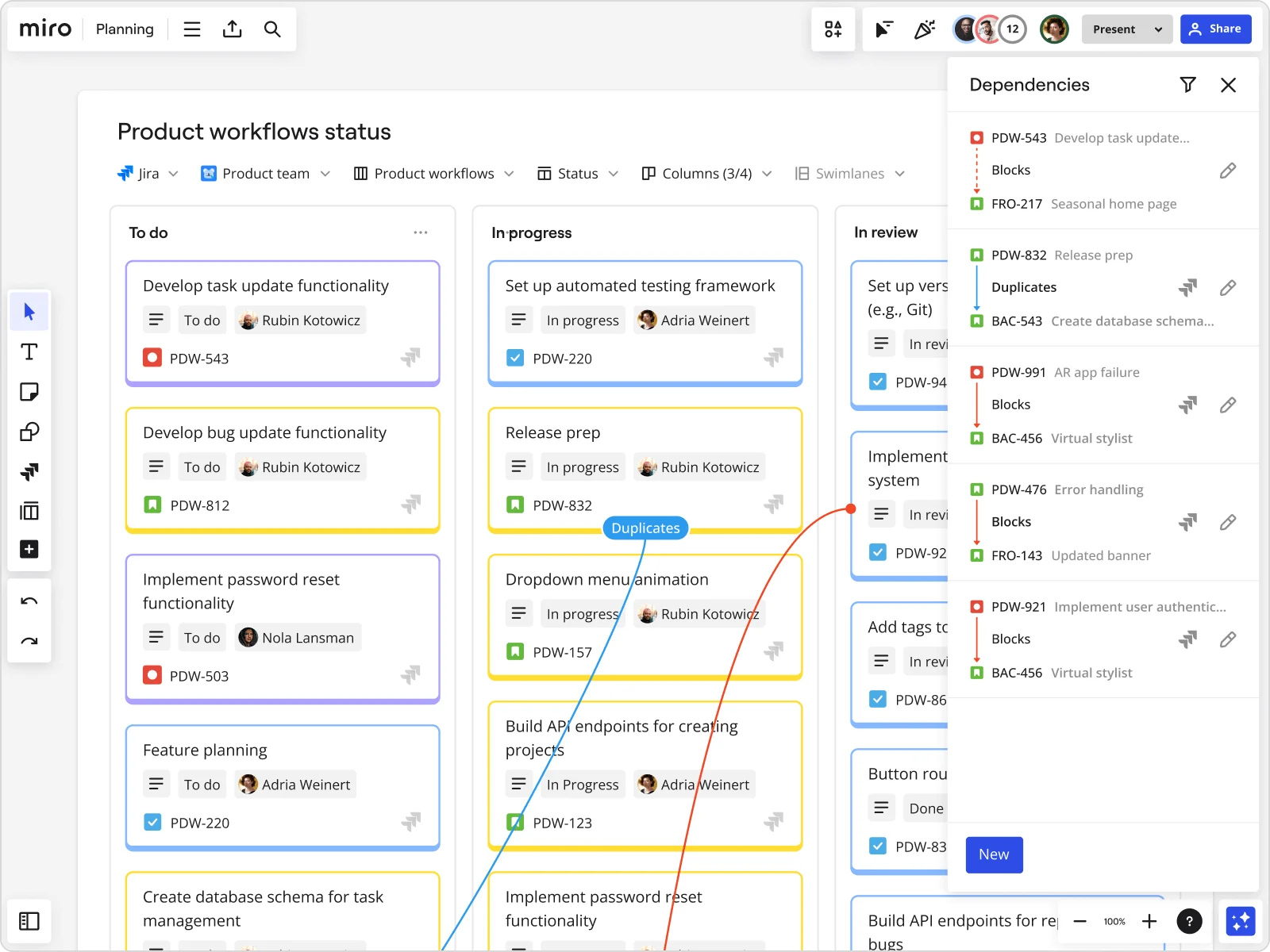
Want to improve your experience with scaled product planning in Miro? From customizable templates to demo videos, we’ve got you covered with the best resources.
Templates
If you’re looking to jump right into the scaled product planning process, we’ve got several templates to speed up your workflow:
Videos
Our YouTube channel includes several videos on scaled product planning. Here are some great ones to start with for Miro training:
- Using Miro to supercharge your SAFe PI Planning sessions
- Mastering PI Planning in Miro: A Quick Guide for Agile Teams
- Product Planning and Dependency Mapping
Articles
Want to read about scaled product planning in Miro? Here are some guides to get started with:
- 3 benefits of Miro’s powerful Jira integration
- How to run a successful planning workshop (even remotely)
- The ultimate guide to facilitating hybrid PI planning
Help Center guides
Our Help Center has covered quite a few topics on scaled product planning. Check out some of the resources below:
- Miro for strategy & planning
- Planner for Jira
- Planner for Azure DevOps
- Dependencies for Jira
- Dependencies for Azure DevOps
Product design training in Miro
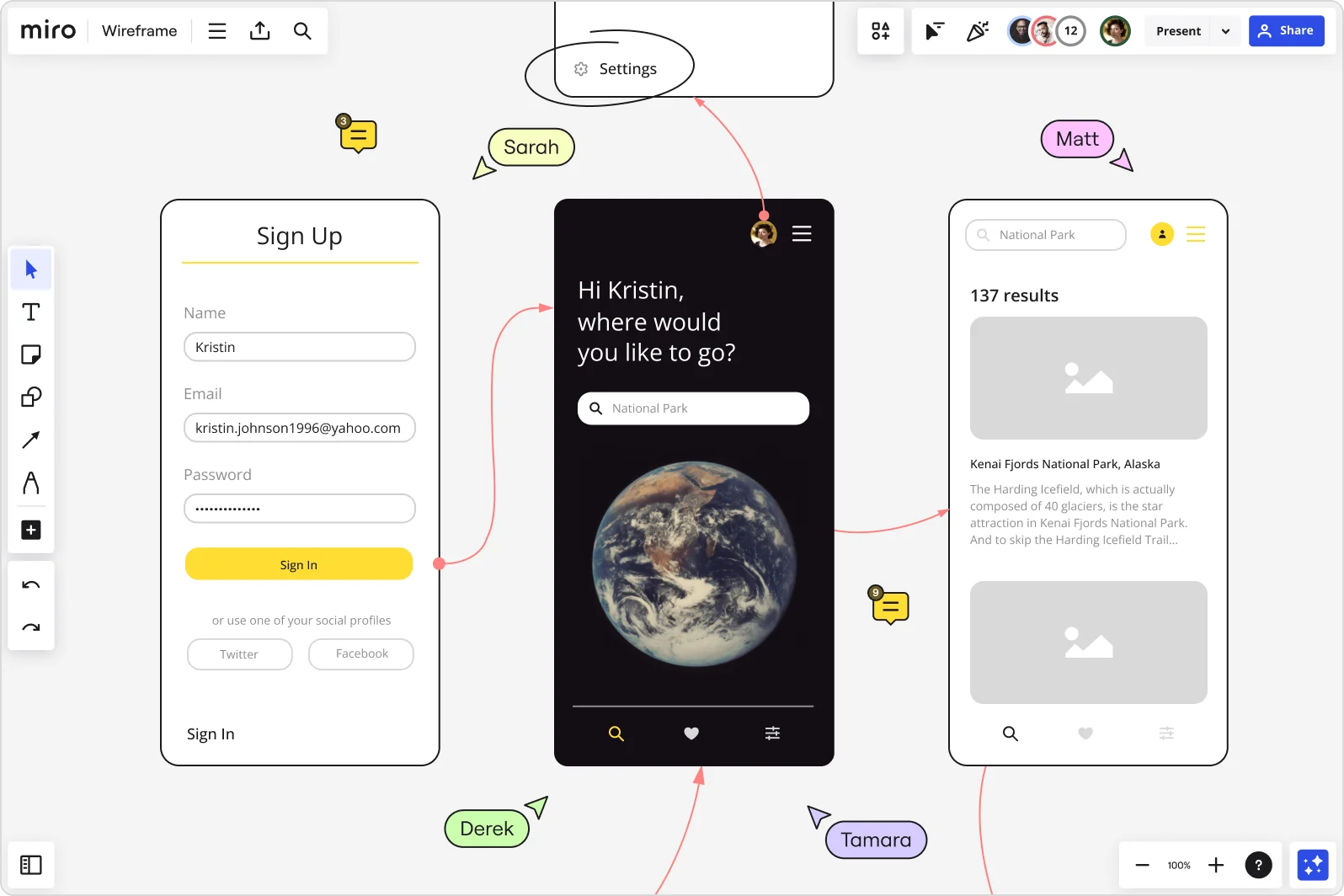
Want to make the most of Miro for product and service design? Here are some great Miro training resources to get started with:
Templates
From empathy mapping to planning your next design sprint, we’ve got you covered with a wide range of product and service design templates:
- User Story Map Template
- Empathy Map Template
- User Persona Template
- Sitemap Template
- Customer Journey Map Template
- User Flow Template
- Website Wireframing Template
- Mood Board Template
- Design Sprint Template
Videos
Here are some Miro training videos worth watching to upgrade your product and service design skills:
- Miro Mastery for Product Managers: Win at Workflow
- Designing with Miro: Unleash Creativity for Product Designers
Articles
Whether you’re an avid reader or just looking for something to skim, here are two popular articles to add to your product design Miro training plan:
Courses
Alternatively, you could take our design courses at Miro Academy:
Help Center guides
Whether you’re stuck on the job or just looking to make the most out of your product design experience in Miro, here are some popular Help Center articles worth checking out:
- Wireframe library
- User story mapping
- How to make your Miro boards more accessible
- Miro Accessibility Checker
Journey mapping training in Miro
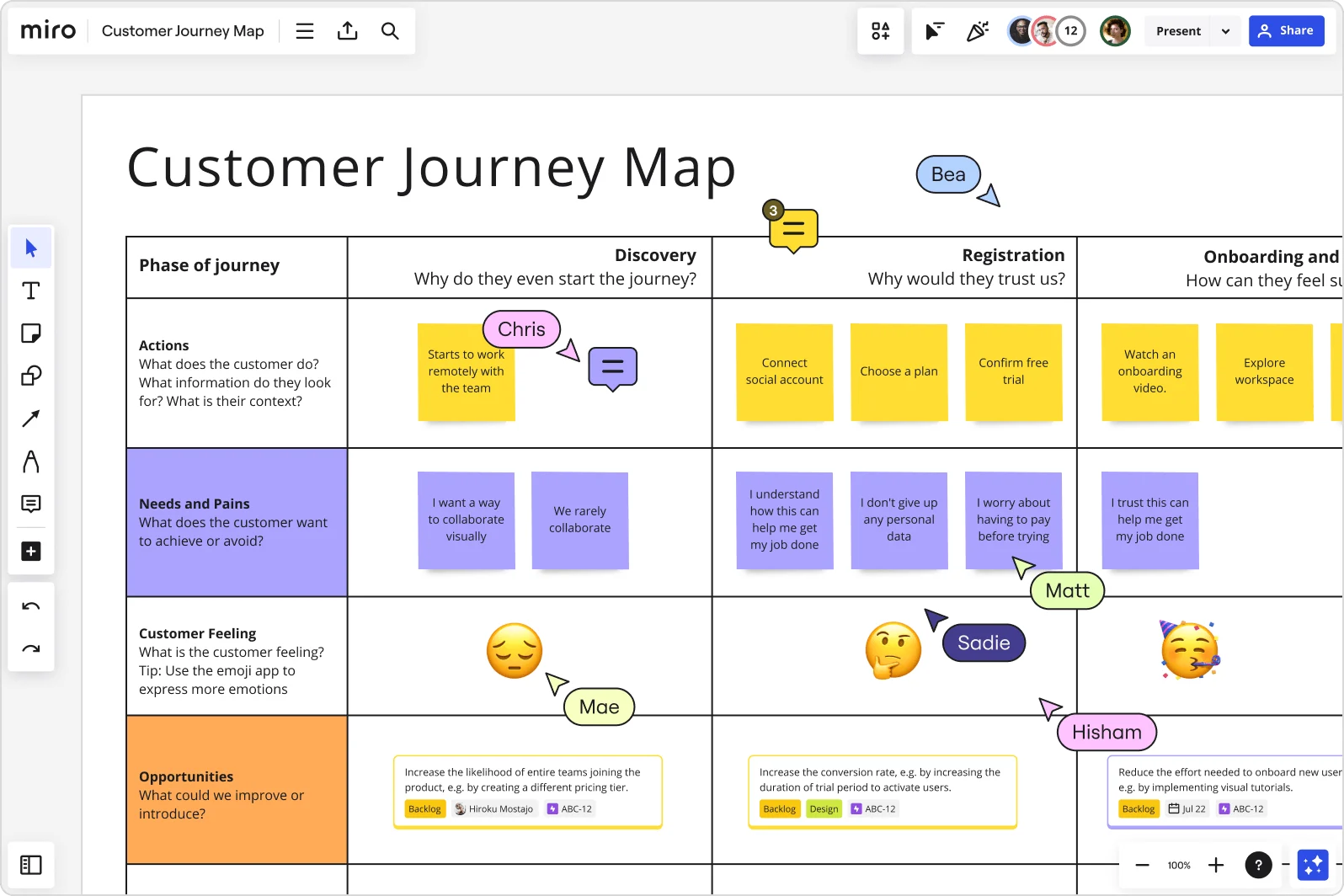
Want to take your customer journey mapping skills to the next level? Miro’s training resources include a wide range of content to help you sharpen your expertise — including demos by our own Mironeers.
Templates
Kickstart your next customer journey mapping project using one of the following templates:
Videos
For video learners, our very own Maureen is ready to walk you through her customer journey mapping process as a product designer at Miro:
Articles
Whether you’re looking for a quick skim or deep dive, here are some popular articles to add to your journey mapping training plan in Miro:
- What is a customer journey map?
- 3 steps to go from customer interviews to a customer journey map
- How I do it in Miro: Jumpstart journey mapping with product designer Maureen H.
Courses
Prefer taking a course? Check out Miro Academy’s Customer Journey Map course. It’s less than four minutes long and packed with tips and tricks for making the most of your journey mapping experience in Miro.
Community forum
If you loved Maureen’s video on how she does customer journey mapping in Miro, you might want to check out her forum discussion on it, too, and maybe even contribute to the conversation.
Agile team events training in Miro
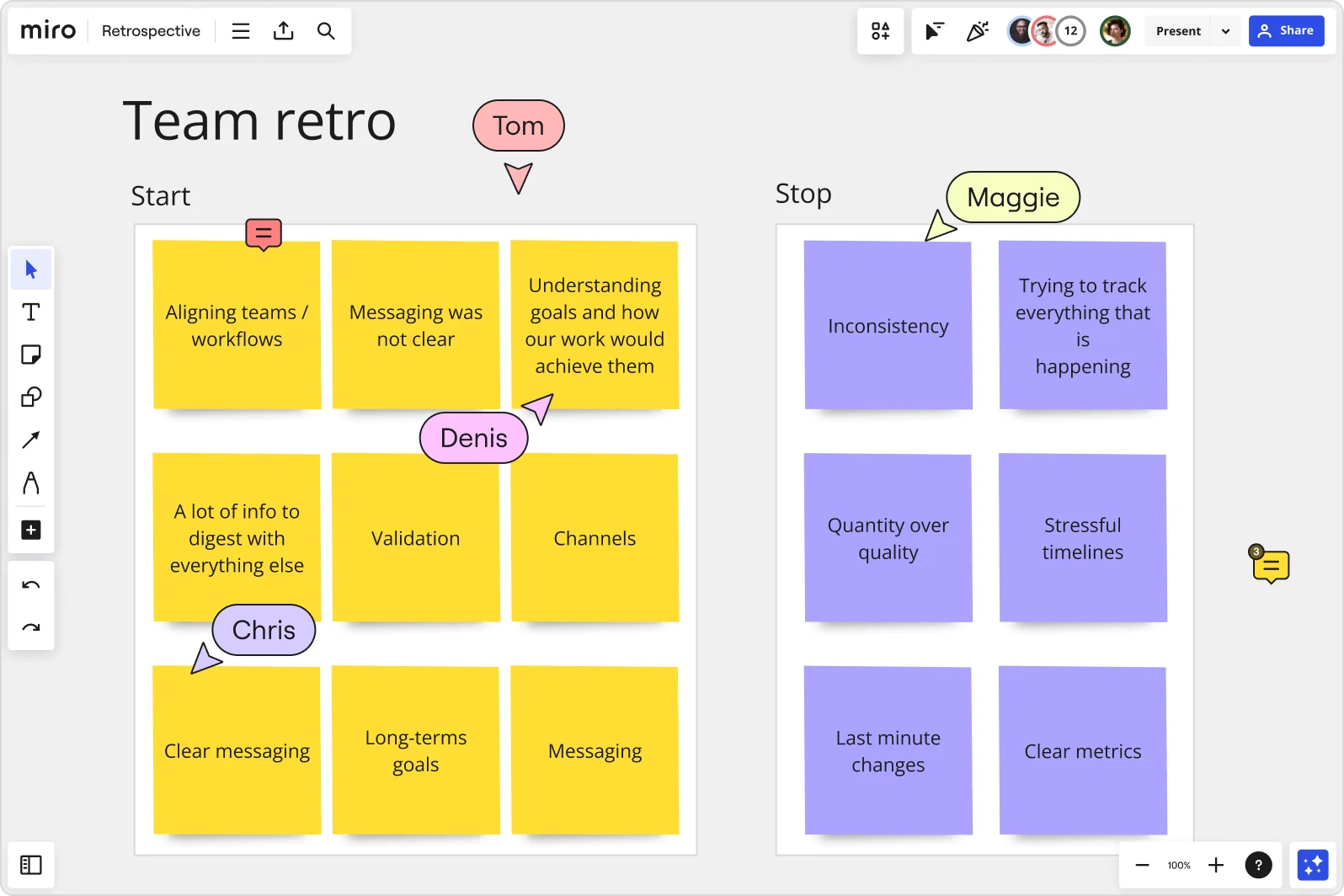
Miro is trusted by many Agile teams around the world. From templates to kickstart your Agile rituals to courses on how to maximize your experience, we’ve got you covered with a wide range of Agile-related Miro training resources:
Templates
We’ve got an extensive library of Agile templates. Here are just a few to get started with:
- Design Sprint Template
- Kanban Framework Template
- Daily Stand-up Meeting Template
- PI Planning Template
- Agile Retrospective
- Technology Roadmap Templates
Videos
We’ve got a bunch of Agile-focused videos to add to your Miro training plan:
- How I do retrospectives in Miro
- How I do sprint planning in Miro
- Miro Magic for Agile Coaches: Collaborate, Plan, Succeed!
Articles
Boost your Agile knowledge with some of our popular blog posts:
- Don’t let ideas die post-retro: 5 ways to make retrospectives more actionable
- How I do it in Miro: Streamline your sprint planning with Rosanna Knottenbelt
- 15 essential templates for team practices from Agile experts
- Work together better: 10 of the best Agile collaboration templates in Miro
Courses
Prefer taking a course? Miro Academy’s Agile workflows course covers everything from how to make the most of our User Story Mapping template to how to hold voting sessions.
Community forum
Our community forum is filled with agile discussions to explore. Here are a few to get started with:
- What are some ways you use Miro in your Agile journey?
- New App: Make The Estimation Process Simpler And More Inclusive
Help Center guides
Here are some Agile-related Help Center guides you might want to keep in your back pocket:
Insight synthesis training in Miro
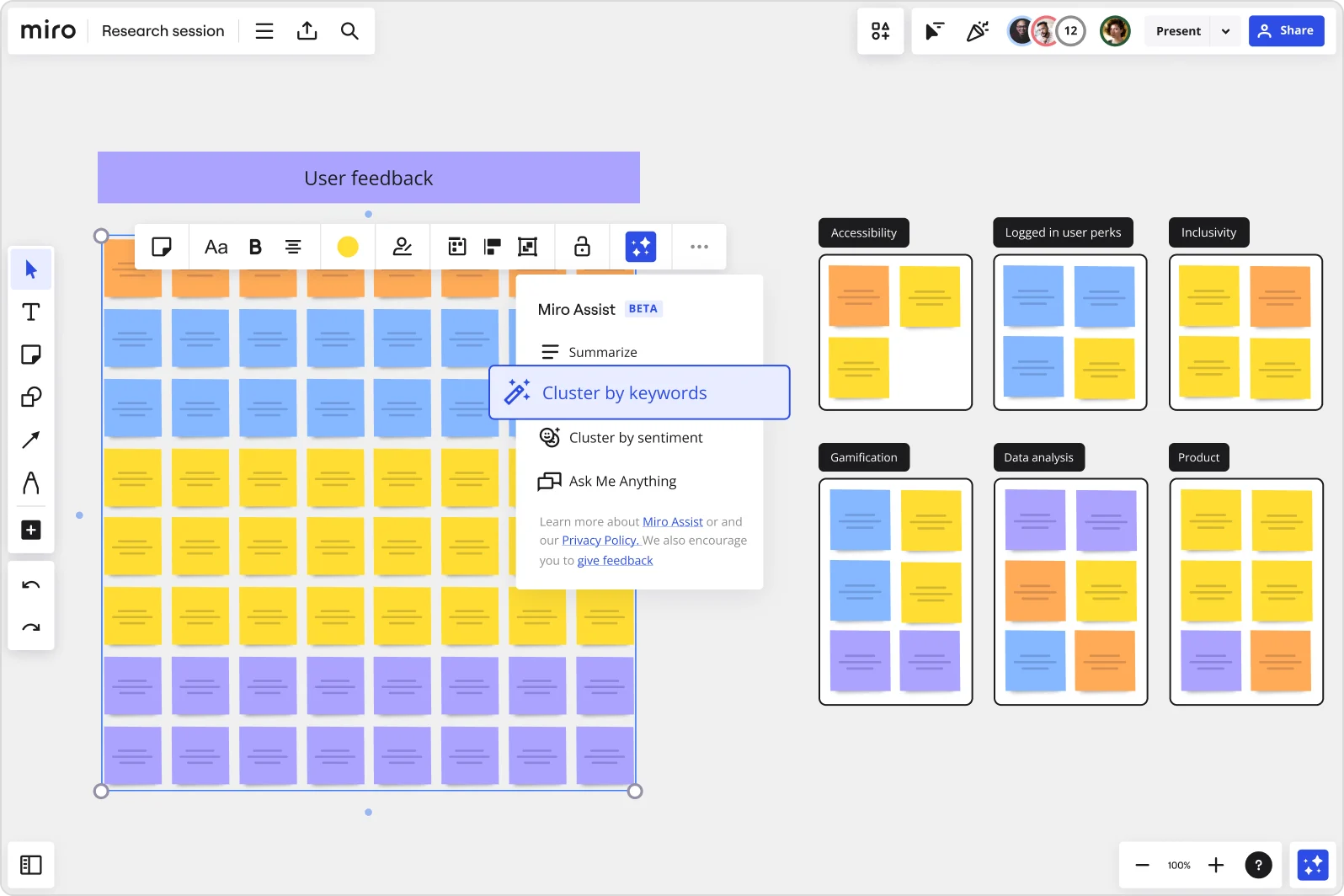
Miro is great for synthesizing research and uncovering insights — especially when you’re using our AI-powered tools. Here are some of Miro’s training resources on insight synthesis:
Templates
If you’re ready to dive into Miro, here are some customizable research templates to get started with:
Videos
Learn tips and tricks from Mironeers on how to synthesize research like a pro — including how to save plenty of time using our AI-powered tools:
- How I Run User Research in Miro
- Save time uncovering insights from user or customer research with Miro AI
Articles
Want to read about research synthesis in Miro? Check out some of our articles:
- What is UX research?
- How to create a UX research hub with Miro’s new UX research repository
- How to use Miro to collaboratively create UX research roadmaps
Community forum
Learn from Mironeers and other Miro users on how to level up your research synthesis game, share your own tips, or start your own discussions entirely:
Help Center guides
When it comes to organizing your research, we’ve got you covered with Help Center guides to help you find your way around Miro:
Ready to put your training to the test?
Sometimes, the best way to learn is to dive right in — even more so now that you’re equipped with some of the best Miro training resources. So why not put your newfound knowledge to the test?
Sign up for Miro to start creating your next big thing.
Read more
Join our 100M+ users today


