
Miro
Your virtual workspace for innovation
Miro is an innovation workspace designed for teams of every size, everywhere, to dream, design, and build the future together. Our mission? To empower these teams to create the next big thing, powered by AI at every step of the way. Over 90 million users around the world rely on Miro to untangle complex ideas, put customer needs first, and deliver products and services faster. All supported by best-in-class security, compliance, and scalability.
Categories
Similar templates
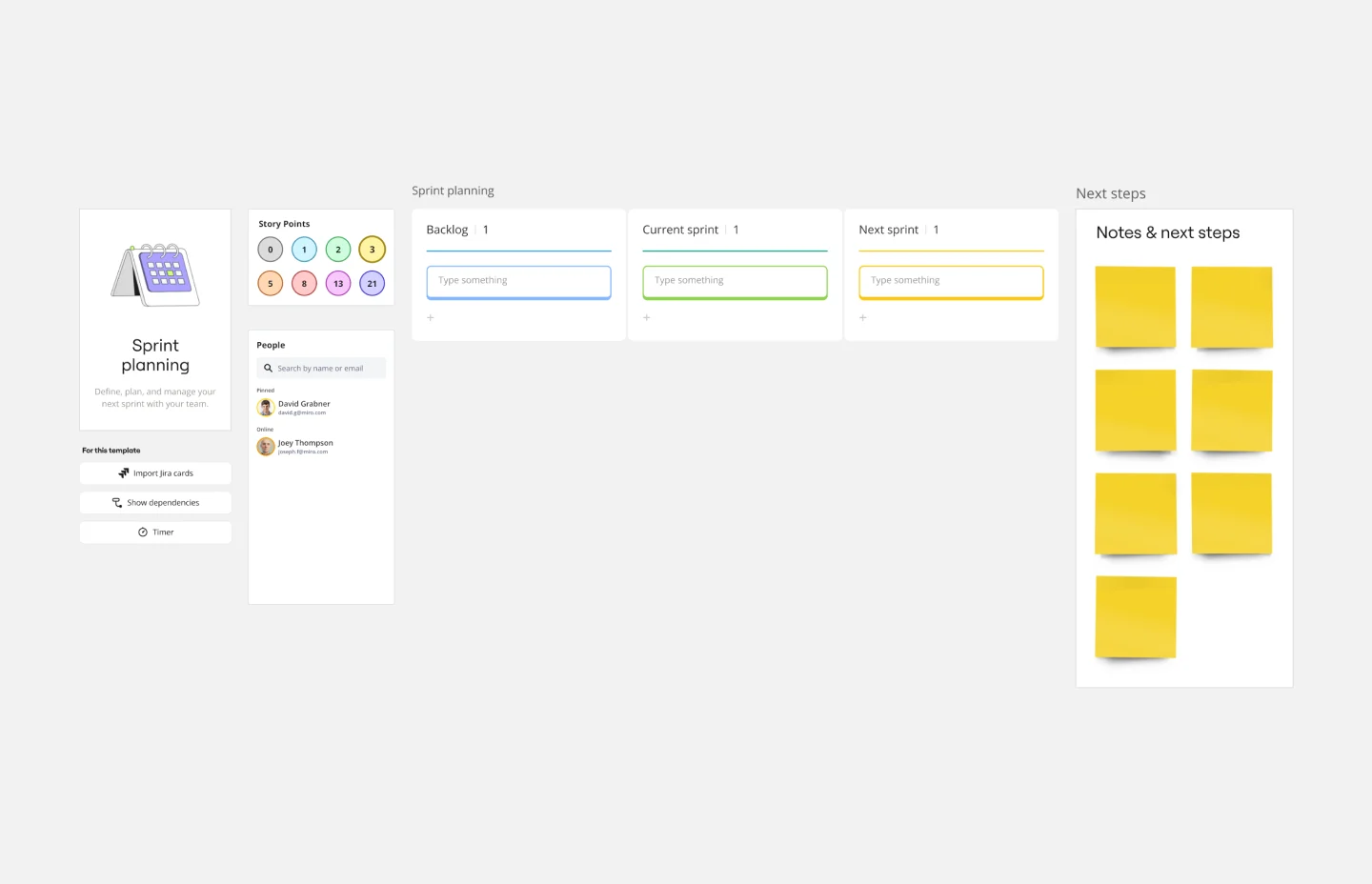
Sprint Planning Template
0 likes
41 uses
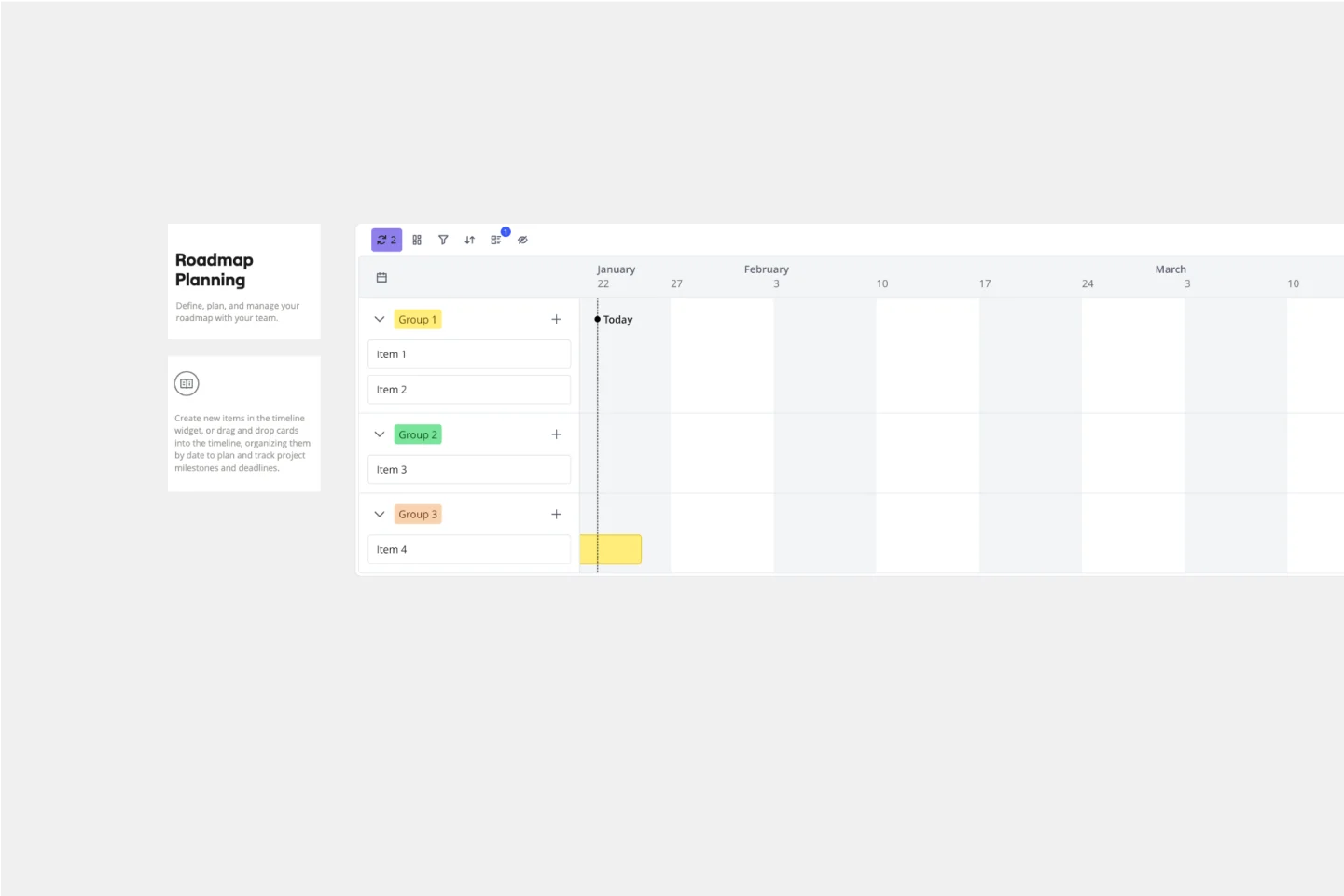
Roadmap Planning Template
5 likes
95 uses
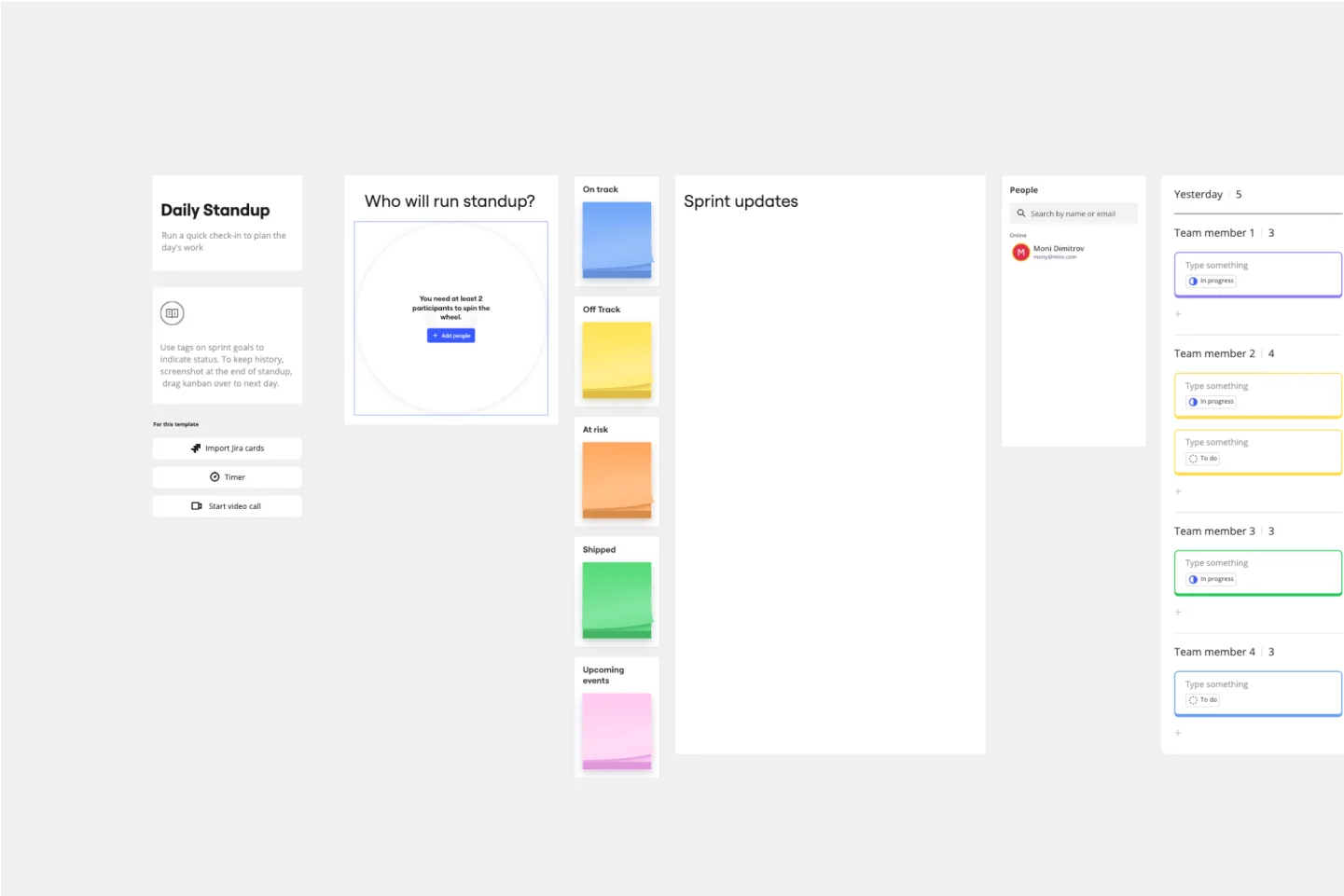
Daily Stand-up Meeting Template
3 likes
79 uses
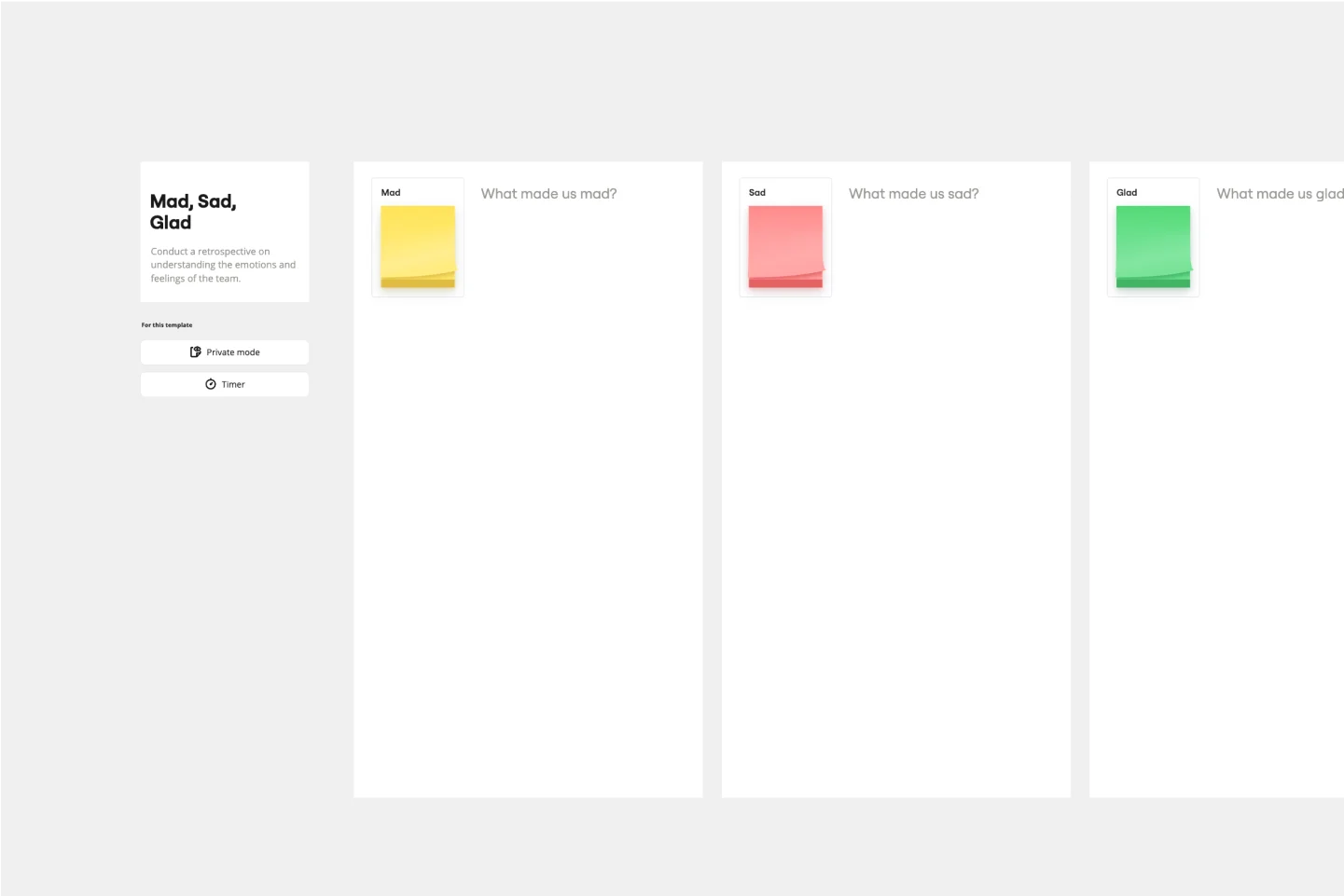
Mad Sad Glad Retrospective
3 likes
160 uses
Sprint Planning Template
0 likes
41 uses
Roadmap Planning Template
5 likes
95 uses
Daily Stand-up Meeting Template
3 likes
79 uses
Mad Sad Glad Retrospective
3 likes
160 uses