All templates

Flowchart AI Template

Miro

1.1K Views
241 uses
4 likes

Report

About the AI Accelerated Flowchart template

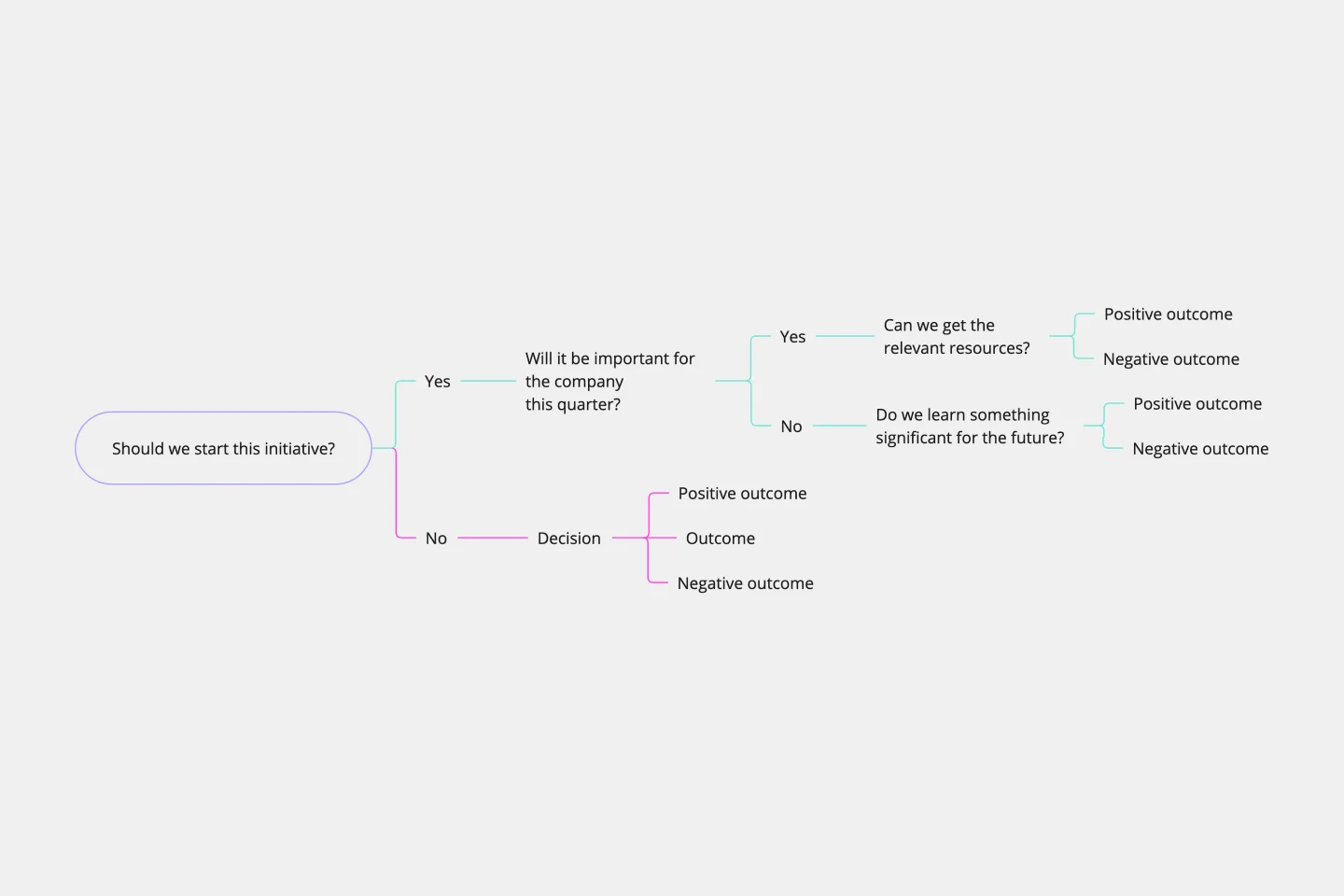
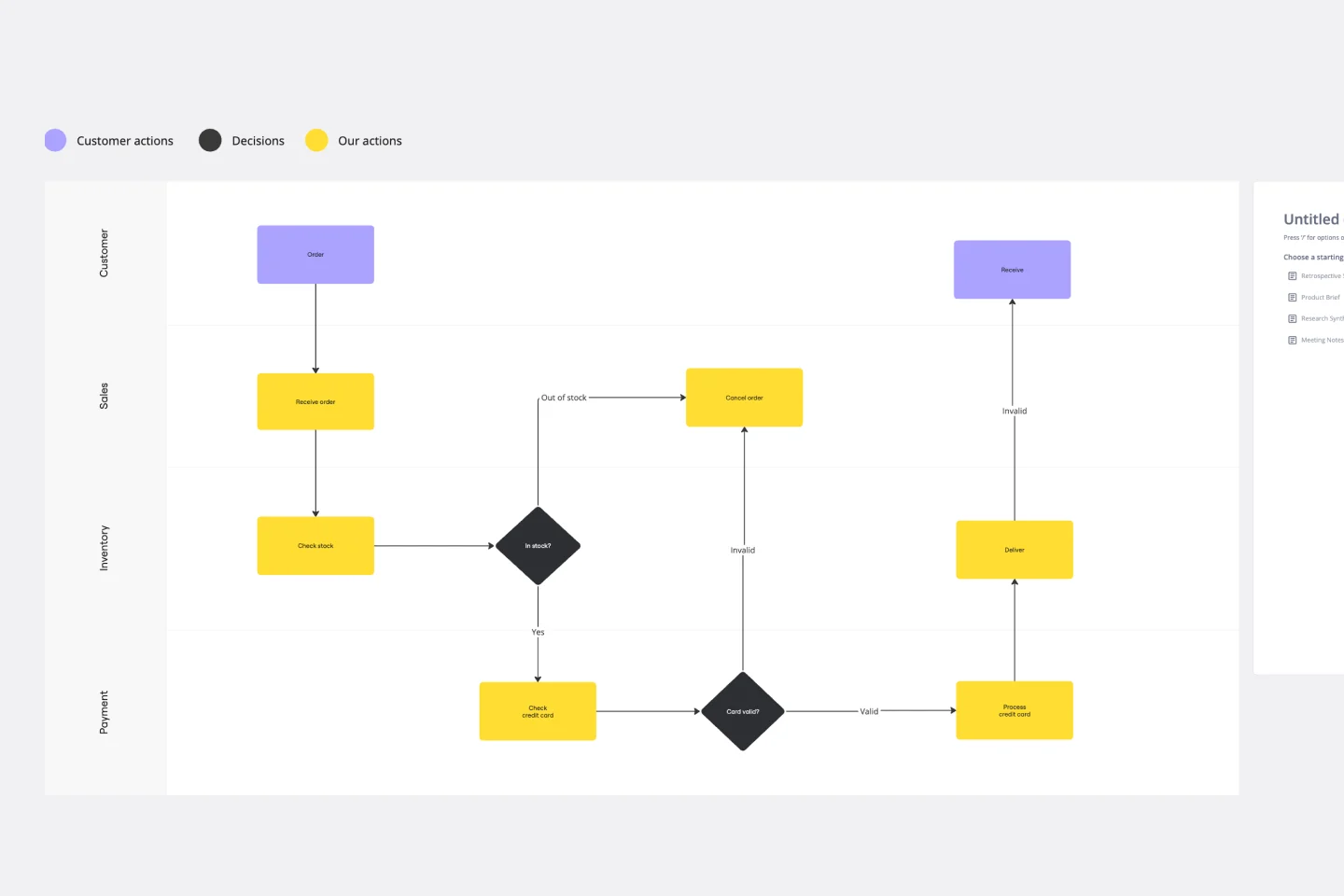
The AI accelerated Flowchart template helps you turn those text-based procedures into clear, visual diagrams on Miro's innovation workspace, making complex workflows easy for anyone on your team to understand at a glance.

How to use the AI Accelerated Flowchart template

  1. Bring in your process. Start by pasting your documented process, procedure, or list of steps directly into a Miro Doc on the board.

  2. Generate with AI. Use the AI-powered prompt to automatically create a flowchart from your text. Describe any other details you want in the prompt box and hit run. The AI will map out the steps, decisions, and outcomes for you.

  3. Refine and style. Adjust the generated diagram as needed. You can easily add, move, or edit shapes and connectors. Add colors to categorize steps and keep your flowchart organized. For best results, you can also adjust the prompt and regenerate.

  4. Collaborate with your team. Invite your team to the board to review the flowchart, leave feedback with comments, and refine the process together in real-time or async.

Miro

Your virtual workspace for innovation

Miro is an innovation workspace designed for teams of every size, everywhere, to dream, design, and build the future together. Our mission? To empower these teams to create the next big thing, powered by AI at every step of the way. Over 90 million users around the world rely on Miro to untangle complex ideas, put customer needs first, and deliver products and services faster. All supported by best-in-class security, compliance, and scalability.


Categories

Similar templates