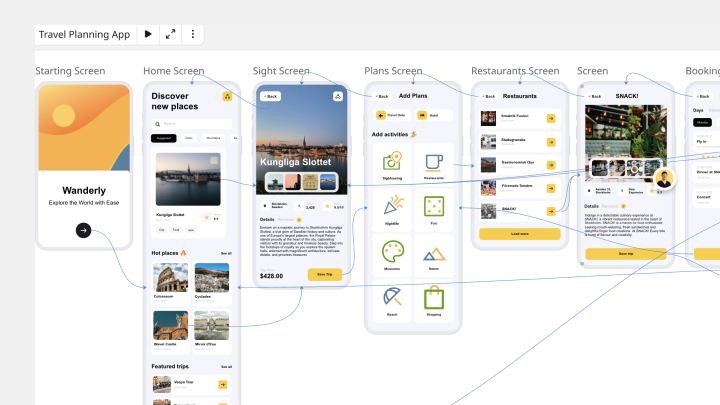
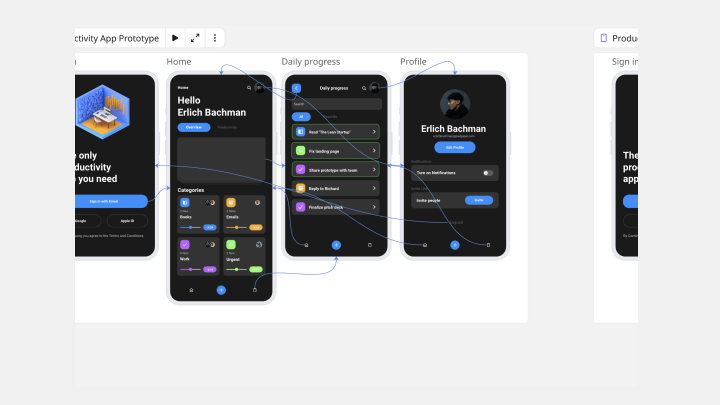
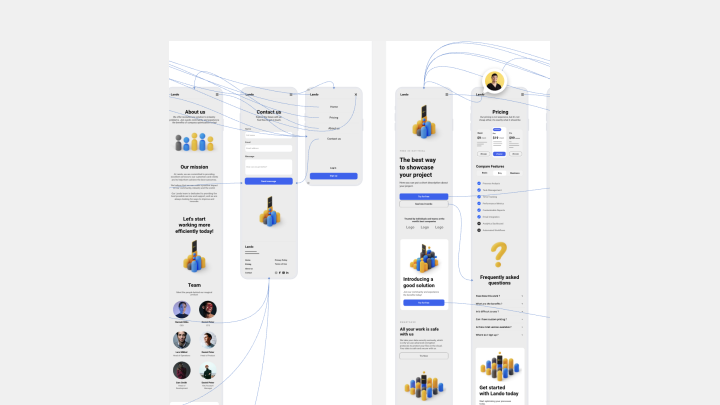
About the Mobile App Prototype Templates
Use a Mobile App Prototype Template to visualize the structure, interactions, and user experience of your mobile app. Product teams rely on prototypes to demonstrate functionality, test user flows, and validate design decisions early in the process. Miro’s Mobile App Prototype Template helps you build and refine your app experience from the start, making it easy to align design and development.
How to Use the Mobile App Prototype Templates
1. Select the Mobile App Prototype Template
Open the Templates Library from the left toolbar and choose the Mobile App Prototype Template to begin designing your concept.
2. Drag and drop your prototype components
Use Miro’s drag-and-drop components to build screens and interactions. The Prototype Library includes pre-built UI elements, icons, and design components so you can quickly assemble and customize your prototype.
3. Ideate and co-create
Collaborate with your team in real time or asynchronously. Add comments directly on your prototype, tag stakeholders for feedback, and iterate quickly as your design evolves.
4. Share your mobile app prototype
Once your prototype is ready, export it as a PNG or PDF, or share the board link to let others explore your design and collaborate directly.
How Miro Helps You Create a Mobile App Prototype
Step 1: Define your app’s flow
Start by outlining your app’s key steps and the actions users need to take. Align with your team on goals and expectations so your prototype accurately reflects your intended user journey.
Step 2: Sketch your app’s screens and interactions
Use the prototype components to map out each screen and the interactions between them. Think through what users will see and do at each stage, and design for mobile screen constraints and usability.
Step 3: Add real content
Fill in realistic copy to ensure your design supports the intended message and user actions. Using real content helps you catch spacing issues and improves the quality of feedback.
Step 4: Annotate your prototype
Document your design decisions and interaction notes so stakeholders understand how the prototype works. Clear annotations make collaboration smoother and keep everyone aligned as the design evolves.
Explore additional mobile app prototype templates to accelerate your design process and bring your next app idea to life.